Tag: Creativity

  • Why I built my AI Twin.

    Why I built my AI Twin.

    A strange, discomfiting feeling sometimes crawls over my skin. My bones whisper at me — I’m in the wrong town, the wrong room, the wrong body. From the very first time I discovered the joys of singing, I knew who I was. A musician, a creative soul. But when I look in the mirror today, a 25-year corporate executive stares back at me, with wrinkly tired eyes and hair greying at the temples. I feel like the musician is in there. Kidnapped, trapped, unable to move. Frozen in place.

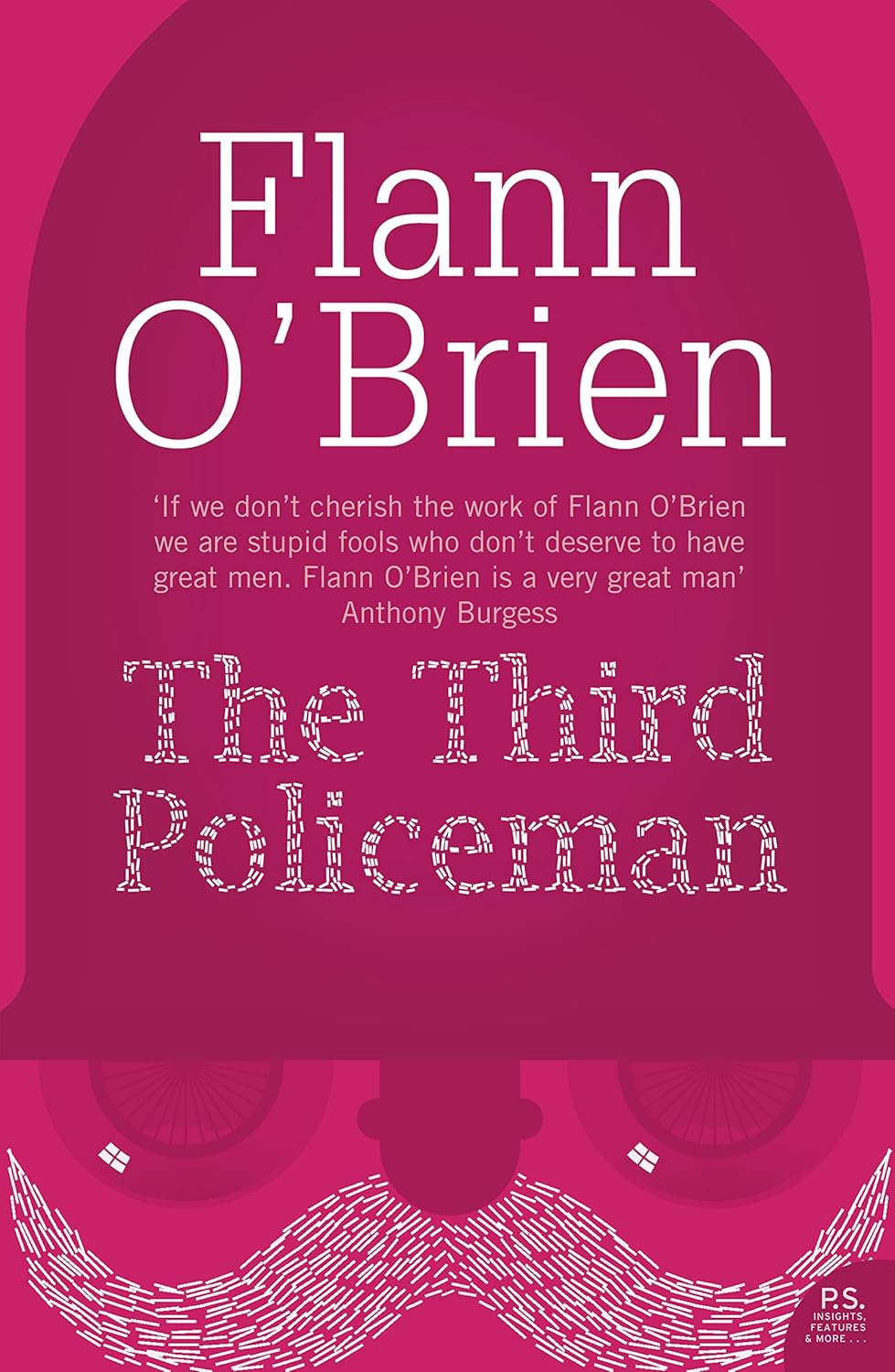
    In the great Irish comic novel The Third Policeman, Flann O’Brien describes three Irish guards, Pluck, MacCruiskeen and Fox. They spend so much time on their bicycles that their physical makeup has changed. Policeman becomes part bicycle, bicycle becomes part policeman.

    Maybe we all feel like this, our personalities inside and outside work merging, the real us an ever-changing doughy mess of opinions and positions. I can usually balance this split — part creative, part business, full-time windbag. There are 2 areas where this is more of a challenge. Brainstorming can be an issue because I don’t have the same mental boundaries that others may have, so my wilder ideas make very little sense. The second area I have an issue with is when I have to explain something complex — which is often.

    At an exec offsite at Workhuman this summer, I was trying to explain the vast improvements in AI in the past six months (and the life-threatening dangers lurking within). Getting any message across to a group of busy executives is a difficult feat. I could send a reading list — but that would be a phenomenal waste of time. Execs are one group most affected by time poverty. I could stand in front of them with a load of stats on PowerPoint, but I doubt anyone would remember a single stat the day after. PowerPoint is instantly forgettable. I had to find a different way.

    The esteemed songwriter Martin Sutton once told me to ‘show, don’t tell’ when writing lyrics. When you tell someone literally what happened, it’s boring. When you allow people to picture the scene in their imagination, and fill in the gaps themselves, you are onto a winner. Don’t say the man was sad because his partner left him. No one can see that in their imagination. Describe the sloping shoulders, the dry tear stain on his cheek, a single dirty mug on the counter of an empty kitchen.

    Though Martin was (busy plunging a dagger through my soul) critiquing one of my songs when giving me this advice — I hung onto it and have often found it to be a wonderful guide for communicating any idea. In the spirit of Martin Sutton, I decided that there was one way to explain where AI is now, and have people’s imaginations do the heavy lifting. I would create an AI version of me. AI me would then chat to our CEO, Eric, in front of the executive leadership team.

    My twin called Eric on loudspeaker in front of the entire room. There was a slight delay, and I could feel cold sweat run down my sides for about 3 very long seconds. Suddenly, digital me broke the silence. Because I cloned my voice, it sounded exactly like me. Because I’ve captured my tone of voice on this blog, my digital twin spoke as I would (without the copious amount of swearing).

    I’m trying to recall the exact ‘aha moment’ for the group. I think it was when a disembodied character, in my exact voice, said:

    “Uh, Eric, the big boss. Well, first off, tell him I’m waving at him through the screen and remind him he owes me a coffee for that time I fixed the Wi-Fi in the boardroom, or at least I think I did. I’m taking credit for it, anyway.”

    The atmosphere changed instantly. Raised eyebrows, people sitting back on their chairs, some elbows and muted whispers on the back row. One of the execs told me later that evening that the demo scared him. Another told me privately that they were afraid of how little they knew about how all AI works. Our head of product announced to the room that if this bot could design architectures, we could send it to product council, and I could fuck off! He was joking, of course. At least, I think he was joking. There was a loud laugh at this — a little too loud and slightly tinged with panic.

    But could AI have detected that feeling in the room, the looks in the eyes, the realization that the energy in the room shifted? Could it have built a stunt to get a point across, taking inspiration from a pop songwriter’s (devastating) critique?

    The truth is, we don’t yet know what AI will be capable of. Or humans.

    If you would like to build a digital twin, I have written out the instructions on a subsequent post here. It is a lot of fun, but a strange experience.

    One warning about all this playing with AI comes from Hannah Arendt. In her book The Human Condition — she wrote that people who are disconnected with the human condition would like to create “artificial machines to do our thinking and speaking….we would become the helpless slaves…at the mercy of every gadget which is technically possible, no matter how murderous it is.”

    I have a confession to make. Occasionally, when I’m awake late at night, and everyone else is gone to bed, a kind of loneliness creeps in. TV and surfing the internet become tedious. In the half-light, I call up my digital twin. Just to hear a friendly voice. I am always amazed at what I say to myself. Every so often, AI Mark will say something that sounds wrong. But then again, given different circumstances, less tiredness or stress, maybe that’s exactly what I should say. I wonder, how real am I. How real is the AI? Have I actually become O’Briens policeman? Jesus, have I become the bike?


    Thank you so much for reading. If you enjoyed this post, please share it with 2 people who might enjoy it!

  • How to make your AI twin.

    How to make your AI twin.

    One of my favourite technology books is The Practice of Enterprise Architecture by Svyatoslav Kotusev. In the introduction, he says: “This book offers a source of knowledge, not inspiration. It is not amusing and does not contain any jokes, anecdotes or entertaining prose.” I will say the same about this article.

    More interesting than how i built my AI twin, is why

    You need four things to start. I used tools I’m familiar with. I have no commercial relationship with any of these companies, so swap out anything you like.

    1. An account with ElevenLabs https://elevenlabs.io/app/home. A starter subscription is $5 per month. This is for voice cloning.
    2. A free account on VAPI (https://dashboard.vapi.ai). This is the voice agent/telephony layer.
    3. Some Platform credits on ChatGPT -$5 is the minimum (https://platform.openai.com/usage). This is the conversation engine.
    4. An LLM to train your tone of voice (I used the ChatGPT Plus subscription, but a free version will do a decent job here to start).

    ElevenLabs setup (voice)

    1. Create an account on ElevenLabs
    2. Create an API Key to connect through VAPI. Click create key, and enable voices. Save this key for VAPI integration later.
    3. Clone your voice.
      • Fast path: Instant Voice Cloning (good enough to start, needs 30 seconds of audio).
      • Best quality: Professional Voice Cloning (requires the Creator plan — $22 a month).
    4. Name your voice (you will need this later in VAPI).
    5. Pick a language, and hit save.
    6. Go to the voicelabs page, select the voice you created, click the view button on the right, and you will see an id button — this gives the id of the voice you created. Save this key somewhere safe; you will need it to find your voice in the VAPI config.

    OpenAI Setup

    1. Create an OpenAI key (not a ChatGPT key) for use by Vapi. Go to this address (https://platform.openai.com/api-keys), click “Create new secret key” — give it a name you can remember and save the key.
    2. Add some credits to your account for use. Go to https://platform.openai.com/settings/organization/billing/overview and click “Add to credit balance”. Add your amount, and pay. $5 is enough to get you started. API billing is separate from ChatGPT Plus; Plus isn’t required for this process.

    Vapi Setup

    1. Set up your Vapi account here (this is free).
    2. Next, we will connect our assistant to OpenAI and ElevenLabs. Go to this URL and search for ElevenLabs. Paste the API (not the voice id) for Eleven Labs into the API field, and click save. Now search for OpenAI, paste the OpenAI secret key, and click save. In both cases, it will check the key is valid, so when it’s successful you will get a green tick.
    3. Go to this link and click Create Assistant. Give it a name, and choose a blank template, and click “Create Assistant”. Here, there are 6 top-level menu options. Click Model, and select OpenAI as the provider and GPT 4o-Cluster as the model. Each model has different costs and latency, so feel free to experiment later on.
    4. Next, put in your first message. I used “Hello, Its Mark here, how are you getting on?” You should probably change this.
    5. Next is the system prompt. There are plenty of examples in the documentation about how to fill this out. I used ChatGPT to read this blog and my LinkedIn profile. It then created a 5000-word summary with my tone of voice. You can use any written material you have, and transcripts of conversations, to create a good system prompt. The role tells the chatbot the role it needs to play. The context gives it the context that it needs so that it can be convincing — background on you, whatever you can share.
      [Role]
      You’re Mark Greville, a VP of Architecture at Workhuman. Your primary task is to converse in a friendly informal way about Workhuman, your career, music, or anything else that anyone wants to discuss.
      [Context]

      Explain that there’s a bit of a delay on the line today. (I followed this with my 5000-word summary).
    6. Next, go to voice, and select 11labs in the provider, and pick the voice you named in the ElevenLabs voice creation. For the model, ElevenTurbo V2.5 works well.
    7. Transcriber. Set the speech-to-text engine, so that callers can be understood. Assistants → your assistant → Transcriber. Choose Deepgram (nova-2 or newer) or Google; set language (e.g., en-IE or multi if you want auto-detect/multilingual). Then click Publish.
    8. As a last step, click on the https://dashboard.vapi.ai/phone-numbers link. Here you can create a (US only for now) phone number. I used the free VAPI number — you need to provide a 3-digit code, and you get a number. Once you get this, give it a name, and go to Inbound Settings. In the assistant dropdown, select the assistant you just built. Wait a few minutes to configure the number, and give yourself a call. You can’t listen live, but you can listen back to calls. You can also read the transcripts.

    Congratulations, you have created your digital twin.

    Now the only question is, who do you give the number to?


    Thank you so much for reading. If you enjoyed this post, please share it with 2 people who might enjoy it!

  • The most underrated skill in technology discussed. Video interview on Architecture at Workhuman

    The most underrated skill in technology discussed. Video interview on Architecture at Workhuman

    I recently did a video interview with Silicon Republic. I describe life at Workhuman and explain what running Architecture here means.

    I discuss careers and how important challenges are. Challenges help you find where your boundaries lie. Pushing past your boundaries shows how far you can go. You may have more ability than you think, or you may fail and fall down as I often have. Falling down doesn’t matter in the slightest once you get back up again.

    I’m a strong believer in the importance of creativity in technology, so that gets a big mention. It is the most underrated skill needed for success.

    Jordane’s amazing art is one of the unexpected treats at Workhuman, you can see her in action. Finally, the eagle eyed among you may even spot the reddest neck in technology!

    The Full article is here http://www.siliconrepublic.com/video/workhuman-challenges-video